 Image 1 of 3
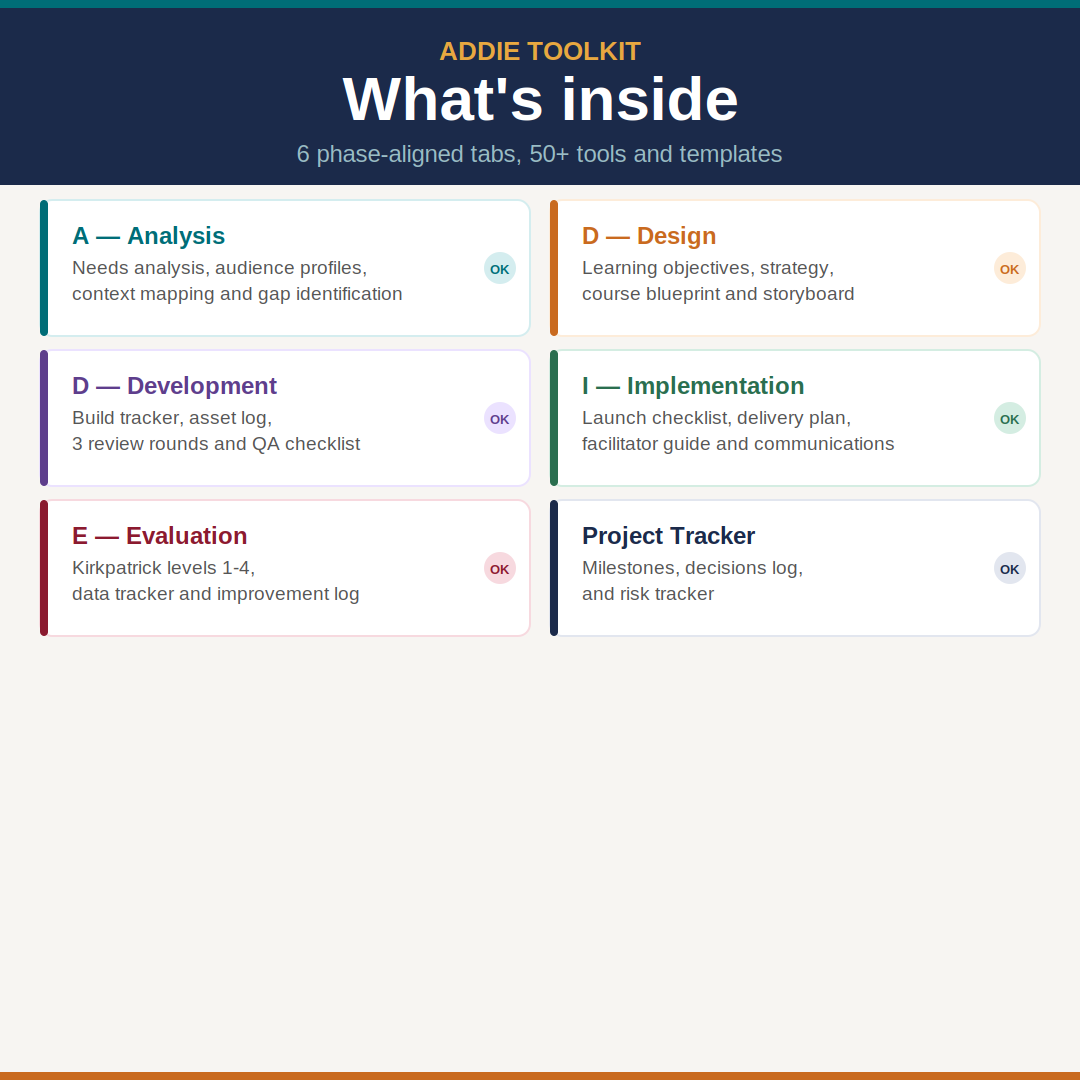 Image 2 of 3
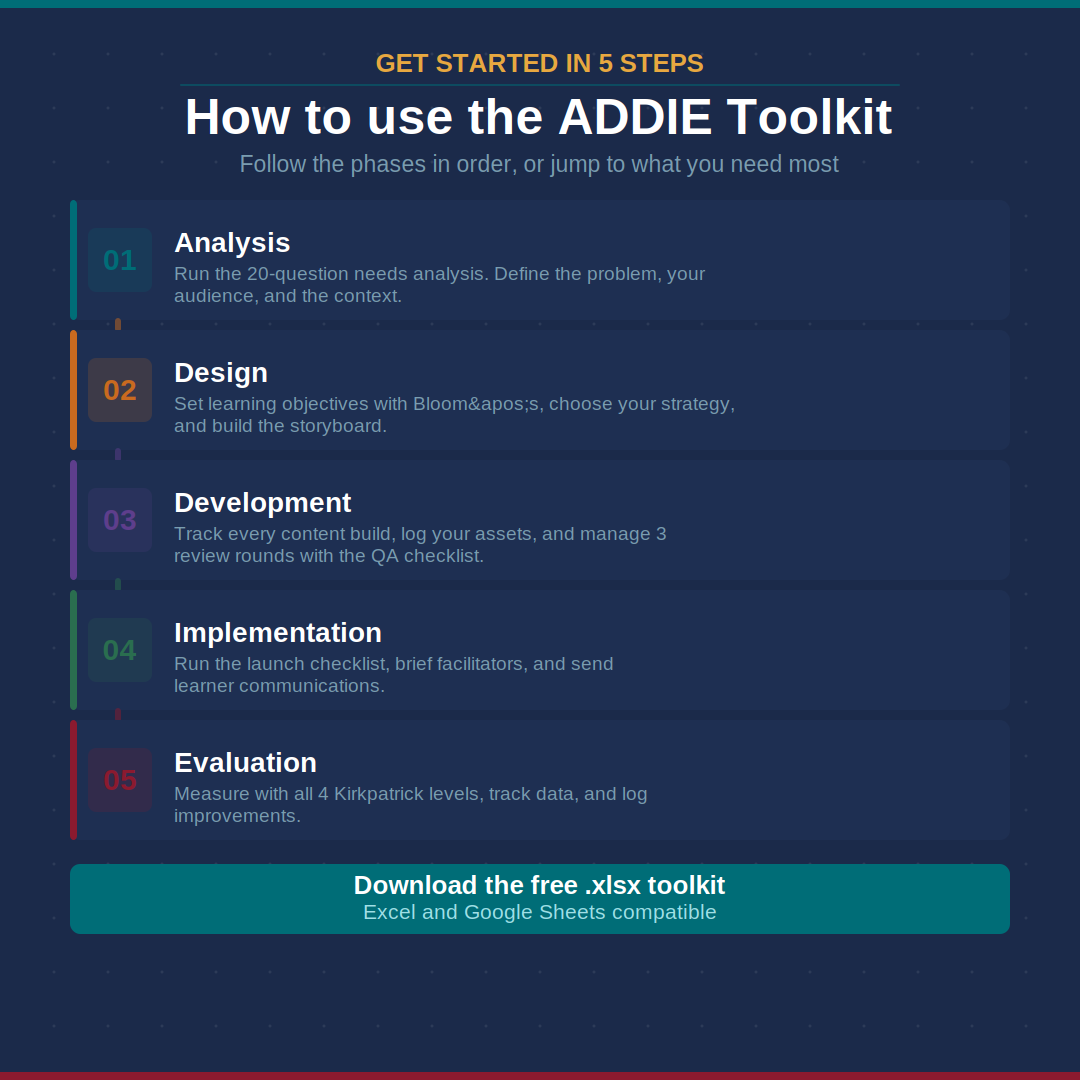 Image 3 of 3
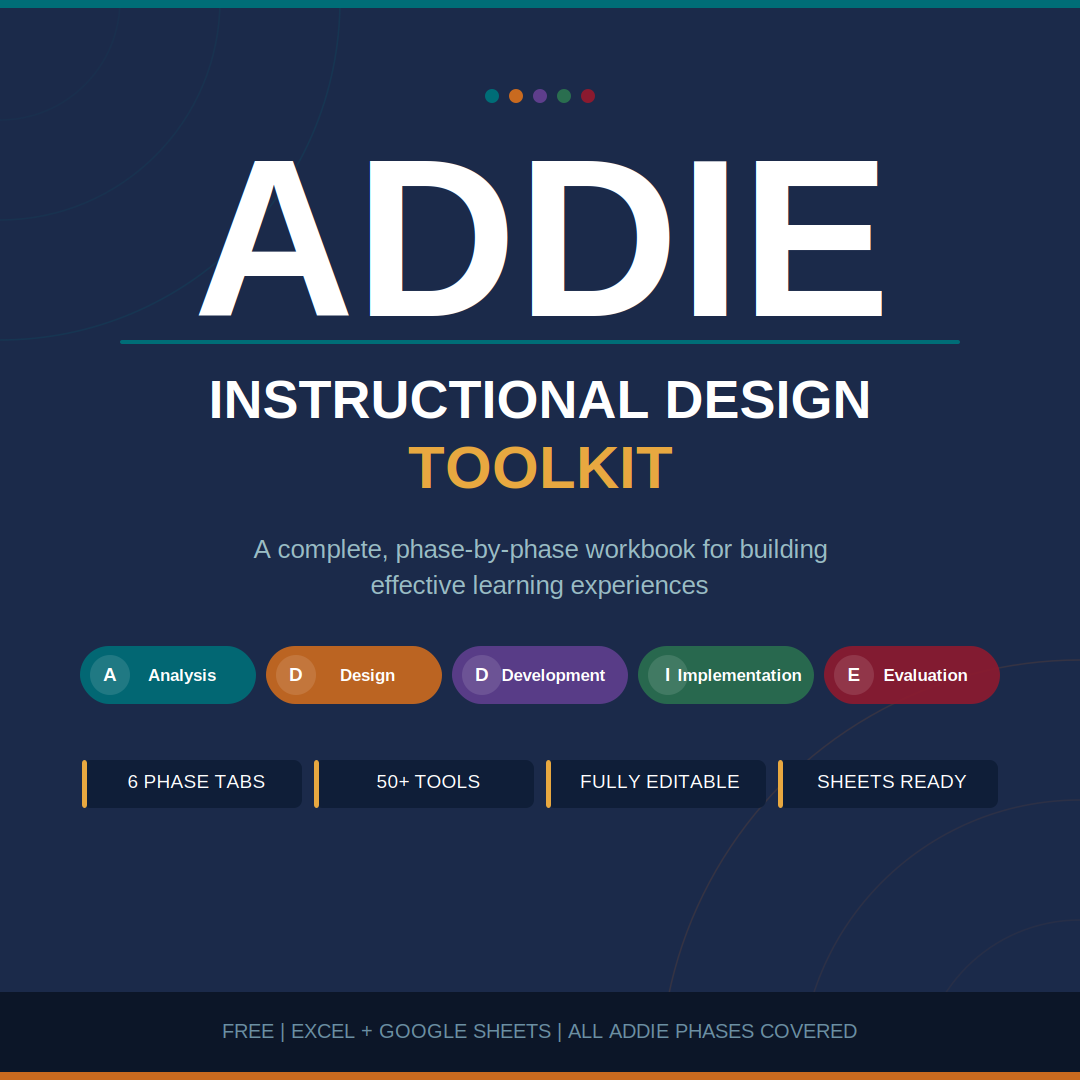
TheADDIE Instructional Design Toolkitis a complete, phase-by-phase workbook for instructional designers, L&D professionals, and educators who want a professional system for building effective learning experiences without reinventing the wheel every time.
Whether you're designing your first eLearning course or managing complex corporate training programs, this toolkit walks you through every phase of the ADDIE model with ready-to-use templates, structured worksheets, and built-in checklists that keep your projects on track from kickoff to post-launch.
Instructional designers and L&D specialists
Corporate trainers building eLearning or blended programs
HR teams rolling out compliance or onboarding training
Educators designing formal curriculum
Freelancers managing client training projects from end to end
A : AnalysisDefine the problem before you design the solution. Includes a 20-question needs analysis covering the performance gap, audience profiling, tech and budget constraints, and learner persona snapshots for up to 3 audience types.
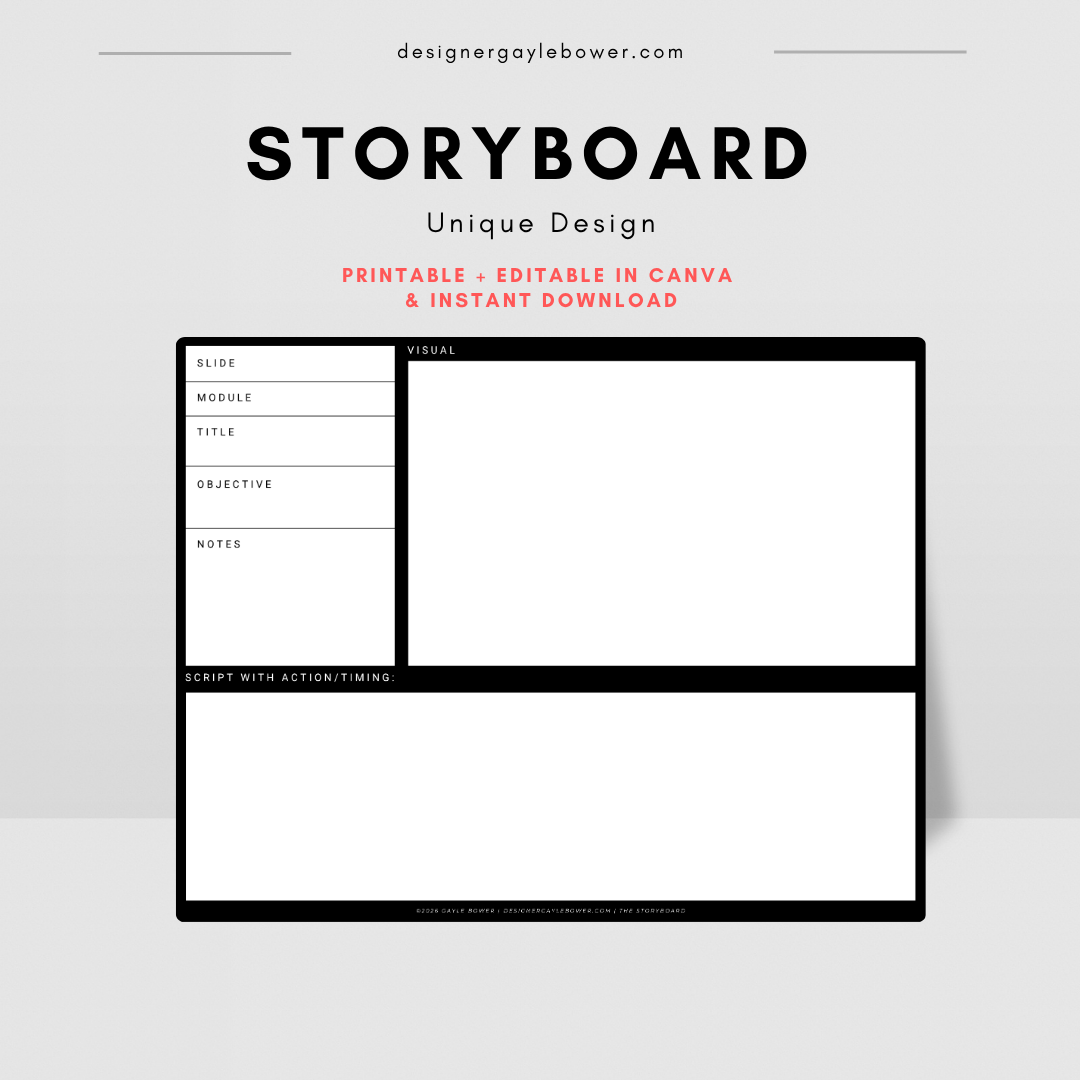
D : DesignTranslate your analysis into a learning blueprint. Map learning objectives to Bloom's Taxonomy levels, document your full instructional strategy, build a module-by-module course outline, plan your assessments, and storyboard every screen.
D : DevelopmentTrack your build from first draft to final sign-off. Manage a content build tracker, log all media assets and usage rights, run 3 structured review rounds with feedback and response columns, and clear a 17-point QA checklist before launch.
I : ImplementationLaunch with confidence. Covers your complete delivery plan, a facilitator guide for ILT and VILT sessions, a 17-item phased launch checklist across pre-launch, launch day, and post-launch, plus a formal sign-off block for all stakeholders.
E : EvaluationMeasure what actually matters. Structured around all 4 Kirkpatrick levels, Reaction, Learning, Behavior, and Results — with KPI targets, a data collection tracker, a course improvement log, and a stakeholder evaluation summary report.
Project TrackerYour command center for the whole project. Track 16 phase milestones, log every key decision with rationale, and manage risks before they become problems.
50+ structured toolsacross all 5 ADDIE phases
Fully editableevery white cell is yours to fill in
Alternating row shading and clear cell bordersmake it easy to read and present to clients
Placeholder text throughoutso you always know what goes where
Color-coded by phaseteal for Analysis, amber for Design, purple for Development, green for Implementation, crimson for Evaluation
Works in Excel and Google Sheetsopen, import, and collaborate in either tool
Professional formattingready to share with clients, stakeholders, or your team
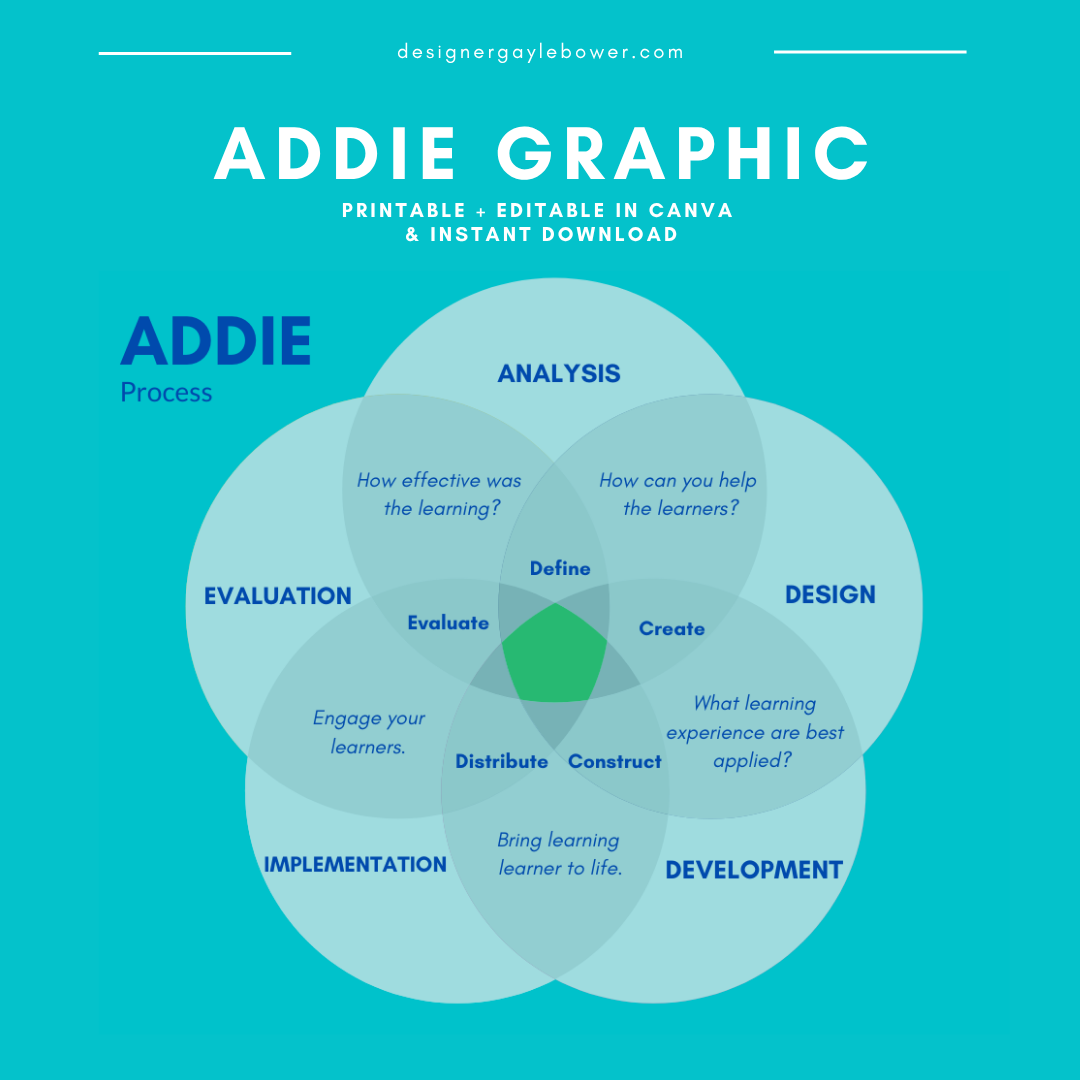
ADDIE infographic includedon the cover tab for quick reference
Open in Excel or import into Google Sheets
Start on theAnalysistab and work through each phase in order
Replace every italic gray placeholder with your own content
Use theProject Trackerto manage milestones and log decisions throughout
Share with clients or collaborators or export as PDF for clean read-only deliverables
1 ×.xlsxfile
7 tabs, fully structured and formatted
Immediate download, no account required
TheADDIE Instructional Design Toolkitis a complete, phase-by-phase workbook for instructional designers, L&D professionals, and educators who want a professional system for building effective learning experiences without reinventing the wheel every time.
Whether you're designing your first eLearning course or managing complex corporate training programs, this toolkit walks you through every phase of the ADDIE model with ready-to-use templates, structured worksheets, and built-in checklists that keep your projects on track from kickoff to post-launch.
Instructional designers and L&D specialists
Corporate trainers building eLearning or blended programs
HR teams rolling out compliance or onboarding training
Educators designing formal curriculum
Freelancers managing client training projects from end to end
A : AnalysisDefine the problem before you design the solution. Includes a 20-question needs analysis covering the performance gap, audience profiling, tech and budget constraints, and learner persona snapshots for up to 3 audience types.
D : DesignTranslate your analysis into a learning blueprint. Map learning objectives to Bloom's Taxonomy levels, document your full instructional strategy, build a module-by-module course outline, plan your assessments, and storyboard every screen.
D : DevelopmentTrack your build from first draft to final sign-off. Manage a content build tracker, log all media assets and usage rights, run 3 structured review rounds with feedback and response columns, and clear a 17-point QA checklist before launch.
I : ImplementationLaunch with confidence. Covers your complete delivery plan, a facilitator guide for ILT and VILT sessions, a 17-item phased launch checklist across pre-launch, launch day, and post-launch, plus a formal sign-off block for all stakeholders.
E : EvaluationMeasure what actually matters. Structured around all 4 Kirkpatrick levels, Reaction, Learning, Behavior, and Results — with KPI targets, a data collection tracker, a course improvement log, and a stakeholder evaluation summary report.
Project TrackerYour command center for the whole project. Track 16 phase milestones, log every key decision with rationale, and manage risks before they become problems.
50+ structured toolsacross all 5 ADDIE phases
Fully editableevery white cell is yours to fill in
Alternating row shading and clear cell bordersmake it easy to read and present to clients
Placeholder text throughoutso you always know what goes where
Color-coded by phaseteal for Analysis, amber for Design, purple for Development, green for Implementation, crimson for Evaluation
Works in Excel and Google Sheetsopen, import, and collaborate in either tool
Professional formattingready to share with clients, stakeholders, or your team
ADDIE infographic includedon the cover tab for quick reference
Open in Excel or import into Google Sheets
Start on theAnalysistab and work through each phase in order
Replace every italic gray placeholder with your own content
Use theProject Trackerto manage milestones and log decisions throughout
Share with clients or collaborators or export as PDF for clean read-only deliverables
1 ×.xlsxfile
7 tabs, fully structured and formatted
Immediate download, no account required